Access Your 520BD BAT Account
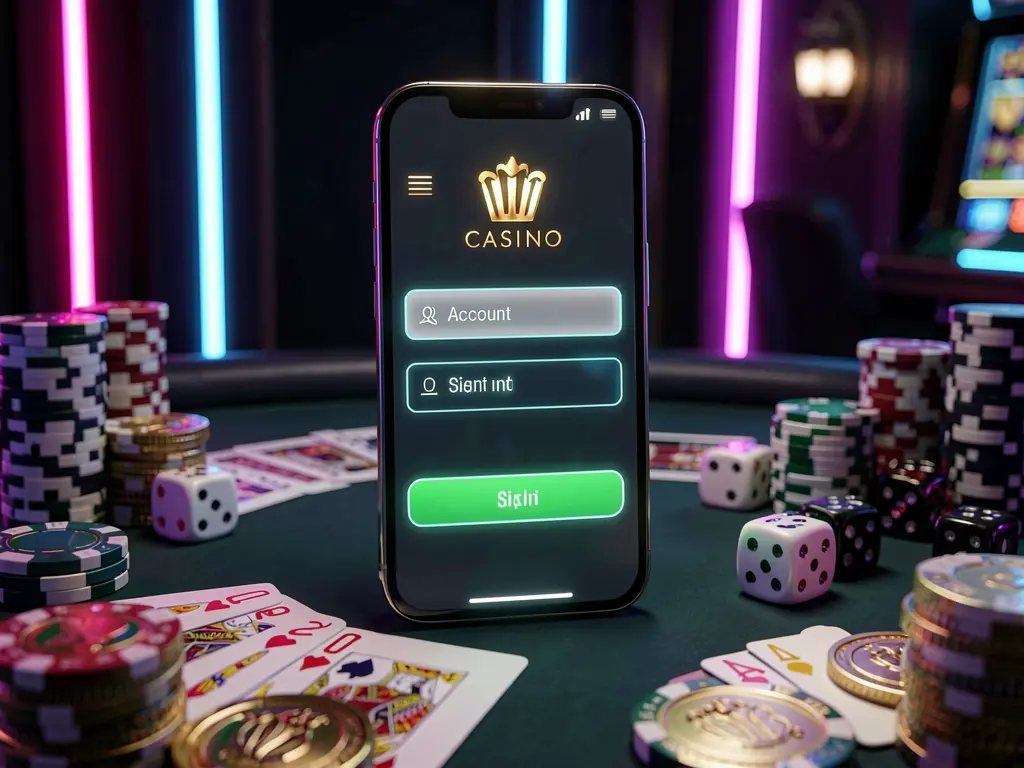
How to Sign In to 520BD BAT
Open the official 520BD BAT website and choose Login from the main navigation. Enter the username, phone number, or email address linked to your profile, followed by your password.
Check that the keyboard language, letter case, and saved details are correct before submitting the form. Typing your password manually may help when browser autofill contains outdated information.
Once signed in, the account area can provide access to profile settings, transaction records, available promotions, the cashier, entertainment categories, and official support channels.
Confirm You Are Using the Official Login Page
Use the complete 520BD BAT platform to reach the login screen rather than relying on unknown links. The official site should provide clear navigation to registration, account tools, payments, and support.
Similar-looking pages can copy familiar logos or layouts while using a different web address. Review the browser address carefully before entering a password, one-time code, or financial detail.
Be cautious with login links shared through unsolicited messages, public posts, or unverified accounts. Saving the official website as a bookmark can make future account access more consistent.
If a page redirects unexpectedly or asks for unusual information, close it and start again from the verified 520BD BAT homepage. Do not continue through an unexplained form.
Registering a New 520BD BAT Profile
Select Registration when creating a new 520BD BAT account. The form may request details such as a username, password, phone number, email address, preferred currency, or promotional code.
Provide accurate contact information that you can access. These details may be useful for password recovery, account communication, verification procedures, and reviewing certain account requests.
After registration, review the profile information and listed cashier options before making any transaction. Read the displayed conditions for any available offer, including eligibility and expiry requirements.
Mobile Login and Account Sessions
The 520BD BAT login page is designed for access through Android phones, iPhones, tablets, and desktop browsers. A supported Android app may also be available through official platform channels.
The same account credentials normally connect your profile across supported devices. Account settings, available balance data, transaction history, and eligible promotions remain associated with the registered profile.
Avoid saving passwords on shared devices or public computers. Log out after each session when using a device that other people can access, and protect your own phone with a screen lock.
If you notice an unfamiliar device or lose a phone, change your password promptly. Review available session controls and contact official support if account activity requires clarification.
Forgotten Password and Login Problems
Use the password recovery option on the 520BD BAT login screen if you cannot remember your password. Follow the instructions sent to the registered phone number or email address.
If a recovery message is delayed, check your network connection, spam folder, entered contact detail, and whether you registered with a different email address or mobile number.
Repeated incorrect entries may lead to a temporary access restriction. Instead of continuing to guess, use the official recovery process or reach support through the verified website.
Features Available After Login
The 520BD BAT account dashboard can bring together profile controls, support access, promotions, payment records, and account activity. Users can review account details without opening another profile.
The cashier may show BDT options such as bKash, Nagad, bank transfers, or other methods listed on the platform. Check displayed limits, recipient information, and instructions before confirming a transaction.
After login, users may browse the current selection of games, live content, card games, slots, sports markets, and other platform categories. Availability may change over time.
Report unexpected profile changes or transactions through official support. Never share your password or verification code with outside contacts, even if they claim to be helping with account access.
FAQ
Where can I find the 520BD BAT login page?
Open the official 520BD BAT website and select Login from the main navigation.
Can I use the same account on mobile and desktop?
Supported mobile and desktop versions normally connect to the same registered profile and account history.
How do I reset my 520BD BAT password?
Choose the password recovery option and follow the instructions sent to your registered contact detail.
Why can I not access my account?
Incorrect login details or a temporary security check may affect access. Use password recovery or official support for help.
Can I register using a mobile phone?
Yes. New users can normally complete registration through the mobile website or a supported official app.
Which payment methods may appear in the cashier?
Available methods may include bKash, Nagad, bank transfers, and other options shown in the account cashier.
What can I manage after logging in?
You may access profile settings, payment tools, transaction records, promotions, entertainment sections, and support.
Should I save my password in a shared browser?
No. Avoid saving login details on shared devices and log out after using public computers.
Can I access promotions after login?
Available promotions may be displayed in your account area. Review all listed conditions before taking part.
What should I do if I see unfamiliar account activity?
Change your password, review active sessions where available, and contact official 520BD BAT support through the verified website.